The Importance of USB Interfaces
Computers rely on USB interfaces for data. They connect laptops to various electronic devices.
However, most computers offer limited USB ports. For instance, a mouse often occupies one.
Consequently, users frequently lack enough ports.
Transferring data between multiple devices becomes slow.
Therefore, WorldPass provides the perfect solution.
The USB hub solves these connectivity issues.
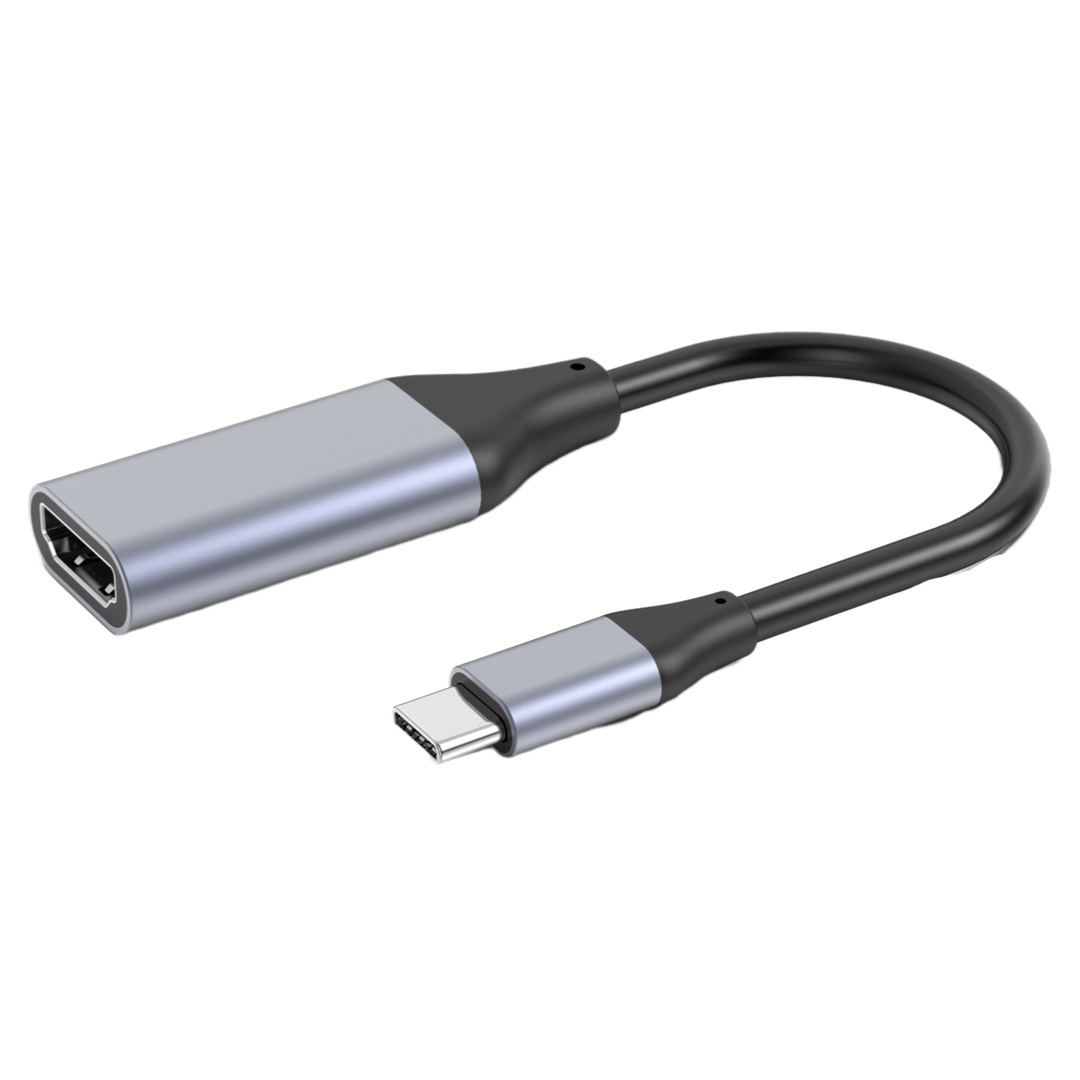
The Role of a USB Hub
A USB hub expands your ports efficiently. It functions as a high-quality electronic accessory.
Specifically, it increases available computer connections.
One port can become five ports instantly.
Thus, you gain more room for gadgets. You can copy data to several devices. This happens in one single, quick operation.
Ultimately, you save significant time and effort.
How to Use a USB Hub
Most USB hubs are very simple.
First, identify the standard main interface.
Then, plug it into your computer port.
Next, connect your various storage devices.
The computer recognizes every device automatically.
After that, you can access your data.
You can manage all files through WorldPass hubs.
Consequently, these tools simplify your digital life.
They reduce complexity and enhance overall productivity.



